





The Apple MacBook Neo, officially introduced on 4 March 2026, price starting at $599, is Apple’s first budget-friendly laptop of the Apple Silicon era. The Neo is designed specifically for students, first-time Mac buyers, families, and small business owners who require a dependable machine without the $1,000+ investment.
Market Position and Pricing Structure
| Configuration | Retail Price | Education Price | Specifications |
| Base Model | $599 | $499 | 256GB SSD, No Touch ID, A18 Pro |
| Advanced Model | $699 | $599 | 512GB SSD, Touch ID, A18 Pro |
The A18 Pro chip
The most significant technical shift in the MacBook Neo is the use of the A18 Pro chip, rather than the M-series hardware found in the MacBook Air and Pro.
The A18 Pro, which originally installed in the iPhone 16 Pro, is manufactured on TSMC’s second-generation 3-nanometer (3nm) process.
Memory Packaging and the 8GB Ceiling
A defining characteristic of the A18 Pro’s integration into the MacBook Neo is the use of Integrated Fan-Out Package on Package(InFO-PoP) technology. This 3D wafer-level packaging attaches the LPDDR5X memory modules directly above the System on a Chip (SoC) die, resulting in a significantly smaller printed circuit board (PCB) footprint.
Because of this design, all models are limited to 8GB of unified memory with no upgrade path.
CPU and GPU Configuration
The A18 Pro features a 6-core CPU, comprised of 2 high-performance cores and 4 efficiency cores. For the MacBook Neo, Apple utilizes the chip with a 5-core GPU, compared to the 6-core GPU found in the original iPhone 16 Pro.
| Specifications | Apple A18 Pro (Neo) | Intel Core Ultra 5 (Typical PC) |
| CPU Cores | 6 (2P + 4E) | Up to 12 (4P + 8E) |
| GPU Cores | 5 | Integrated Intel Arc |
| AI Performance | 3x Faster vs Intel | Baseline NPU |
| Daily Task Speed | 50% Faster vs Intel | Reference Baseline |
Benchmarks: While its single-core performance is competitive with the M3 and M4, its multi-core performance is roughly half that of the new M5 chip, making it unsuitable for pro-level video editing or heavy multitasking.
Industrial Design and Thermal Management
The MacBook Neo adopted a more uniform aluminum design with soft, rounded corners. At 2.7 pounds, the Neo is highly portable. It has a slightly thicker profile of 0.5 Inches to accommodate its unique internal layout and passive cooling system.
Color Strategy and Aesthetic Cohesion
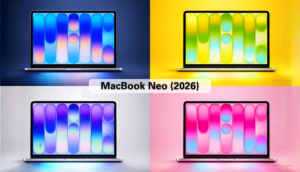
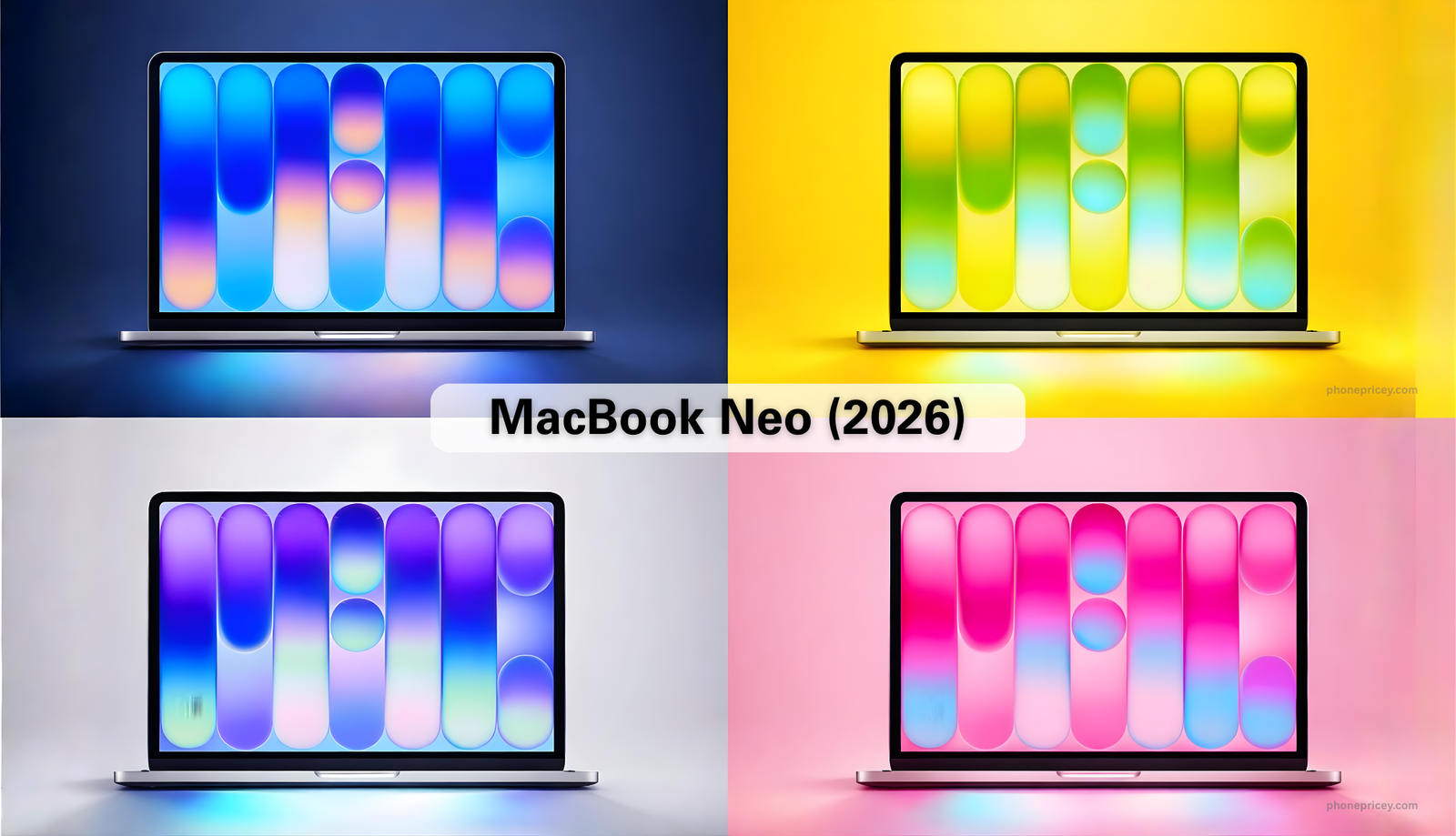
Apple has introduced the MacBook Neo in a spectrum of four colors:
- Silver
- Indigo (dark blue)
- Blush (soft pink)
- Citrus (muted yellow)
This color strategy extends to the Keyboard where keys are finished in lighter shades that match the exterior. This level of aesthetic cohesion is rare in the budget laptops.
Thermal Engineering in a Fanless Chassis
Like the MacBook Air, the MacBook Neo is entirely fanless, ensuring silent operation across all workloads. The aluminum case serves as a passive heat sink for the A18 Pro chip. Because the A18 Pro was originally designed for the thermal constraints of a smartphone.
The significantly larger surface area of a 13-inch laptop allows the chip to sustain higher clock speeds (~4.04GHz) for longer periods than is possible in an iPhone.
The Display: Clarity vs. Color Gamut
The 13.0-inch Liquid Retina display is one of the Neo’s strongest selling points, offering a 2408-by-1506 resolution and500 nits of brightness. This resolution provides a pixel density of ~219 pixels per inch (PPI), ensuring that text remains sharp and images appear detailed.
Managing the sRGB Standard
To reach the $599 price point, Apple has limited the Neo’s display to the sRGB color gamut. This distinguishes it from the MacBook Air and Pro, which support the wider P3 color gamut.
- P3 allows for 25% more color saturation, specifically in reds and greens
- The sRGB standard remains the universal benchmark for web content and general productivity.
For the students and office workers, the difference is often negligible.
Bezel Design and Camera Integration
A notable design departure in the Neo is the absence of a display notch. The 1080p FaceTime HD camera is integrated into the top bezel, resulting in slightly thicker borders than those found on the MacBook Air.
| Display Feature | MacBook Neo | MacBook Air (M5) |
| Resolution | 2408 x 1506 | 2560 x 1664 |
| Brightness | 500 nits | 500 nits |
| Color Gamut | sRGB | P3 Wide Color |
| True Tone | Not Supported | Supported |
| Notch | No | Yes |
Physical Devices
Trackpad
The Neo features a mechanical Multi-Touch trackpad. This “diving board” design uses physical switches that move when pressed. While the trackpad is large and responsive to standard macOS gestures, it lacks pressure-sensitive “Force Click” capabilities and does not provide uniform clicking across the entire surface.
Keyboard
Keyboard of Neo lacks several features found in the Air and Pro lines. Perhaps the most impactful compromise for evening users is the lack of a backlit keyboard. The Neo’s keys are engraved rather than being illuminated by internal LEDs.
Connectivity and Peripheral Standards
The device provides two USB-C ports, both of which support charging, but they operate at different data speeds.
USB-C Speed Asymmetry
- The left USB-C port is a USB 3.2 Gen 2 port capable of 10Gbps speeds and is the primary port for connecting external displays.
- The right port is limited to USB 2.0 speeds 480Mbps, making it suitable for charging or connecting low-bandwidth peripherals like mice or keyboards, but inefficient for external storage.
External Display and Power
The Neo supports a single external display with a resolution of up to 4K at 60Hz. There is no MagSafe charging port; instead, the device includes a 20W USB-C Power Adapter in the box.
Battery and Efficiency
The MacBook Neo is equipped with a 36.5-watt-hour lithium-ion battery. While this battery is approximately 30–45% smaller than the one found in the MacBook Air, the high efficiency of the A18 Pro chip allows the Neo to achieve up to 16 hours of video streaming or 11 hours of wireless web browsing on a single charge.
Is the MacBook Neo Worth It?
The MacBook Neo is a “halo machine” designed for those who already use an iPhone and desire for a matching, affordable entry into the Mac ecosystem.
Target User: Recommendation
- Students / Casual Users: (Highly Worth It.) At $499 (education) or $599, it is a premium alternative to plastic Chromebooks for writing, browsing, and streaming.
- Power Users / Creators: (Not Recommended.) The 8GB RAM ceiling and USB 2 port limitations will quickly become bottlenecks for video editing or coding.
- Value Seekers: (Upgrade to 512GB.) Spending $100 more ($699) adds Touch ID and doubles storage, which significantly improves the daily experience.
Phone Pricey Team
